
A Technical Breakdown of a Modern Attack
How a Single Click Led to a Multi-Stage Compromise
Introduction
An employee in the finance department received what appeared to be a legitimate invoice from a trusted supplier. The sender’s display name matched previous conversations, the email looked professionally written, and the attachment appeared to be a standard monthly invoice.
However, instead of opening the attached ZIP file immediately, the employee clicked the “View Invoice Online” button included in the email. The button redirected to a fake login page hosted on a compromised website. After entering their Microsoft 365 credentials, the site prompted them to download the invoice, which arrived as Invoice_July_2026.zip.
At first glance, the attack looked like a typical phishing attempt. In reality, it was the first stage of a malware campaign designed to steal credentials, establish persistence, and provide attackers with remote access to the victim’s system.
The First Missed Opportunity
Before examining the malware itself, it’s worth looking at the phishing page that initiated the attack.
The URL closely resembled the supplier’s legitimate domain but contained subtle differences that could easily go unnoticed.
Legitimate
https://supplier-company.com/invoice
Malicious
https://supplier-company-secure.com/login
The fake website used HTTPS and a valid SSL certificate, making it appear trustworthy. This highlights an important point: HTTPS only encrypts communication—it does not guarantee that a website is legitimate.
A phishing URL detector can help identify suspicious characteristics before a user interacts with the page by evaluating factors such as domain reputation, lookalike domains, newly registered websites, redirection behavior, and known phishing indicators. While no security control is perfect, identifying a suspicious URL at this stage can stop the attack before credentials are entered or malware is downloaded.
Stage One: Initial Payload Delivery
After submitting their credentials, the victim was prompted to download the invoice archive.
The ZIP file contained a Windows shortcut (.LNK) disguised with a PDF icon.
Opening the file silently executed:
powershell.exe -WindowStyle Hidden -ExecutionPolicy Bypass
Rather than displaying a document, the shortcut launched an obfuscated PowerShell script in the background.
The use of ExecutionPolicy Bypass allowed the script to execute regardless of local PowerShell restrictions.
Stage Two: PowerShell Loader
The PowerShell script did not contain the final malware.
Instead, it acted as a lightweight loader responsible for:
- Decoding an embedded Base64 payload
- Connecting to a remote server
- Downloading an encrypted executable
- Saving the payload in the user’s AppData directory
- Launching the malware
Separating the loader from the payload makes campaigns more flexible, as attackers can replace the final malware without modifying the phishing email.
Stage Three: Payload Retrieval
Network monitoring showed an outbound HTTPS request immediately after PowerShell execution.
The downloaded executable was stored as:
%AppData%\Microsoft\Windows\Update.exe
The filename closely resembled a legitimate Windows component, helping the malware blend into normal system activity.
Static Analysis
Before execution, the downloaded binary underwent static analysis.
Several indicators suggested malicious intent.
High Entropy
The executable contained sections with unusually high entropy, indicating that it was packed or encrypted to conceal its contents.
Suspicious API Imports
The import table referenced APIs commonly associated with malware behavior.
API | Purpose |
VirtualAlloc | Allocate executable memory |
WriteProcessMemory | Inject code into another process |
CreateRemoteThread | Execute injected code |
InternetOpenUrl | Connect to remote servers |
WinExec | Launch additional processes |
Although these APIs are legitimate Windows functions, their combined usage strongly suggested process injection and remote communication.
Dynamic Analysis
The sample was executed inside an isolated sandbox.
Within seconds, the following process chain appeared:
explorer.exe
└── powershell.exe
└── Update.exe
└── svchost.exe (Injected)
Instead of continuing within its own process, the malware injected its code into svchost.exe, a trusted Windows process commonly targeted by attackers.
Process injection allows malicious code to operate under the identity of legitimate applications, making detection significantly more difficult.
Persistence Mechanism
To survive system restarts, the malware created a Registry Run key.
HKCU\Software\Microsoft\Windows\CurrentVersion\Run
Windows Update =
%AppData%\Microsoft\Windows\Update.exe
Every user logon automatically relaunched the malware without requiring further user interaction.
Command-and-Control Communication
Once persistence was established, the malware began communicating with its command-and-control (C2) server over HTTPS.
Observed activity included:
- System information collection
- Hostname enumeration
- Operating system details
- Public IP discovery
- Periodic beaconing
- Waiting for attacker-issued commands
Because all communication occurred over encrypted HTTPS sessions, traditional network monitoring without SSL inspection had limited visibility into the exchanged data.
Defense Evasion Techniques
The malware employed several techniques to avoid detection and analysis.
String Encryption
URLs, commands, and configuration data remained encrypted until runtime.
Anti-Virtual Machine Checks
Before executing its payload, the malware searched for artifacts associated with VMware and VirtualBox.
If a virtual environment was detected, execution terminated.
PowerShell Obfuscation
The initial loader combined Base64 encoding, variable substitution, and dynamically generated commands to evade static detection.
Indicators of Compromise (IOCs)
The investigation identified several indicators that defenders can use for threat hunting.
File Path
%AppData%\Microsoft\Windows\Update.exe
Registry Key
HKCU\Software\Microsoft\Windows\CurrentVersion\Run
Processes
- powershell.exe
- Update.exe
- svchost.exe
Behavior
- Hidden PowerShell execution
- Download of encrypted payload
- Registry persistence
- Process injection
- Repeated outbound HTTPS beaconing
Behavioral indicators are often more durable than file hashes because attackers frequently modify or repack malware to evade signature-based detection.
MITRE ATT&CK Mapping
Tactic | Technique |
Initial Access | Phishing (T1566) |
Credential Access | Input Capture (T1056) |
Execution | PowerShell (T1059.001) |
Persistence | Registry Run Keys (T1547.001) |
Defense Evasion | Process Injection (T1055) |
Command and Control | Application Layer Protocol (T1071.001) |
Final Thoughts
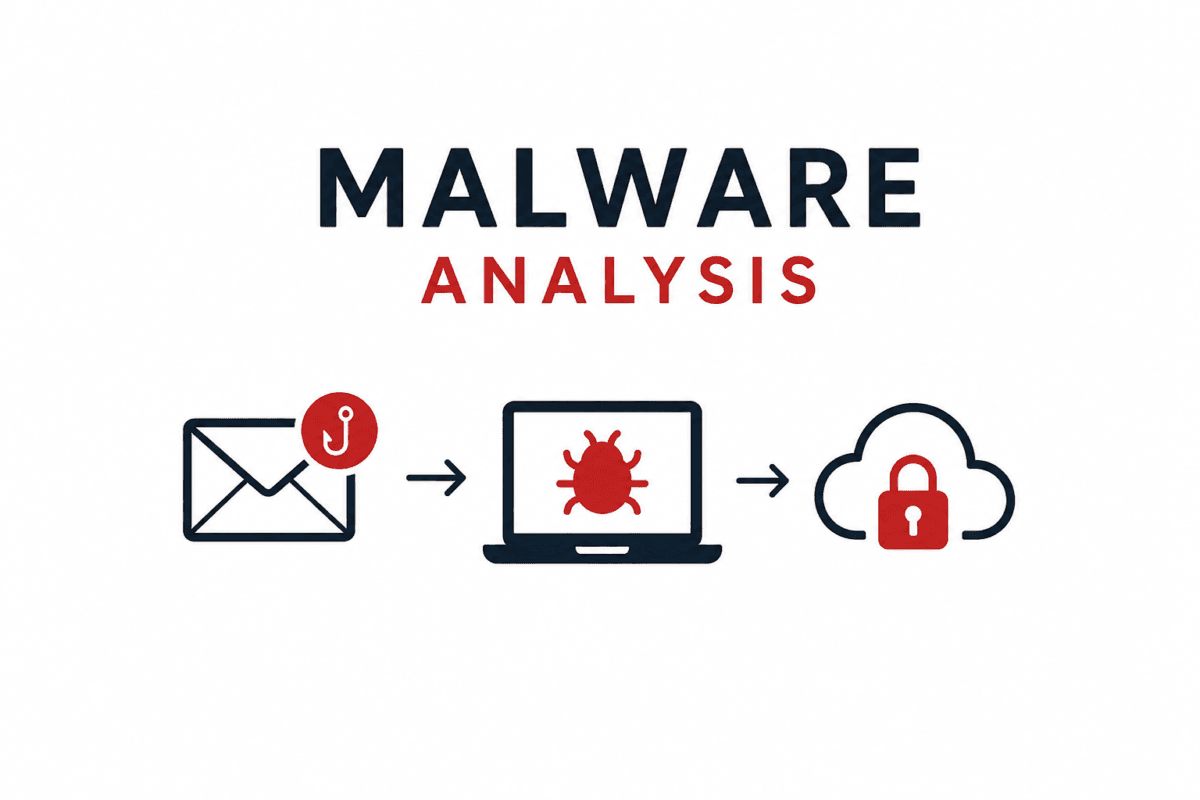
This incident demonstrates that successful attacks often involve multiple stages rather than a single malicious file. The phishing page harvested credentials, the downloaded archive delivered a PowerShell loader, and the final payload established persistence while communicating with a remote command-and-control server.
The attack also illustrates the importance of stopping threats as early as possible. Detecting a suspicious phishing URL before users interact with it can prevent credential theft and interrupt the malware delivery chain before any malicious code reaches the endpoint. Combined with endpoint monitoring, behavioral analysis, and threat hunting, proactive URL inspection adds an important layer of defense against modern phishing-driven malware campaigns.