
REAL-TIME PHISHING PROTECTION
Protection at the Moment of the Click
RIEG is real-time phishing protection that analyzes URLs as users encounter them, helping identify suspicious and malicious links before they become security incidents.
Stop phishing attacks before the click
How RIEG Works
Five steps from encountering a suspicious link to a protected, informed decision — all in real time.
Link Encountered
User receives or sees a link via email, SMS, chat, or you visit a suspicious web page.
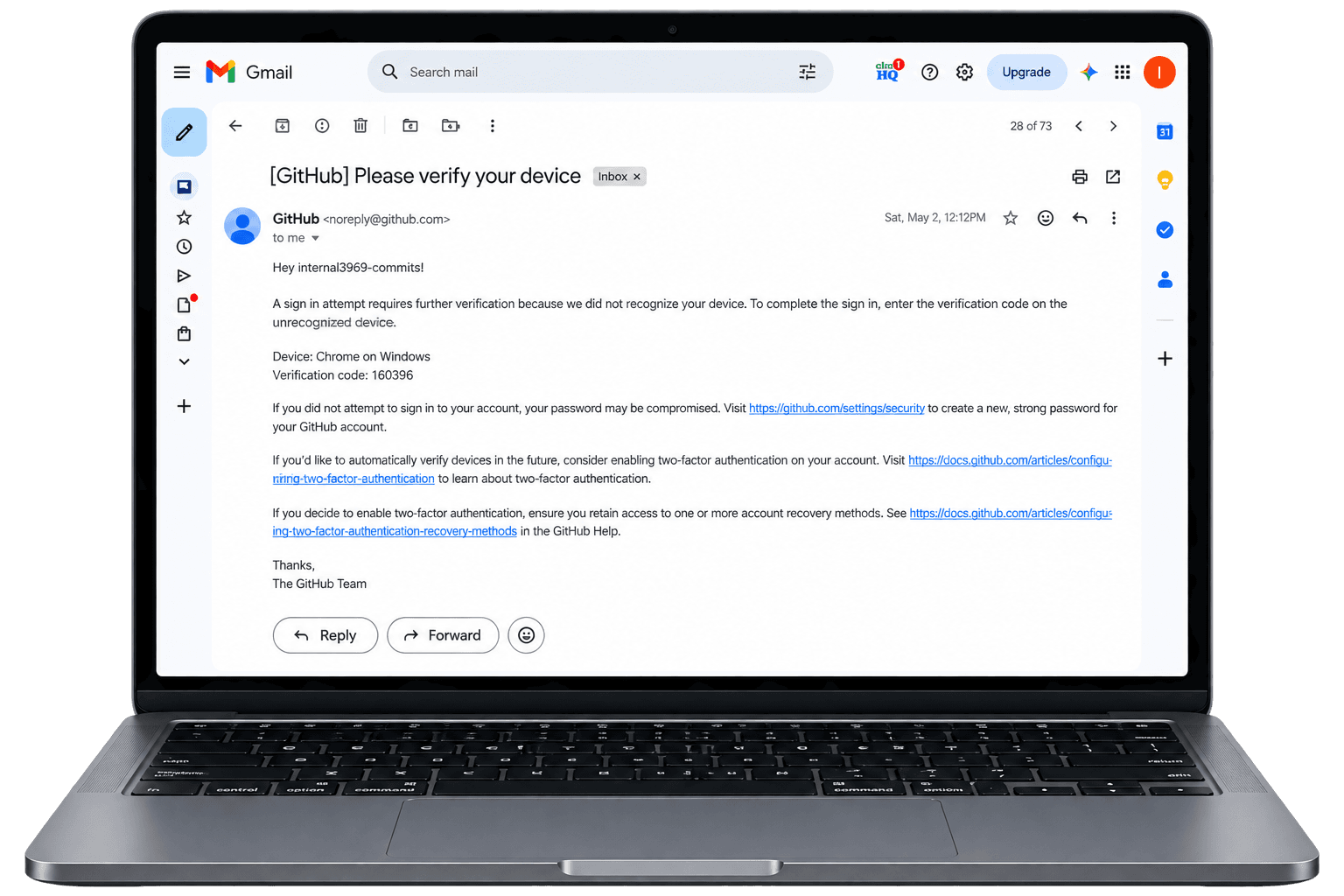
Clear Verdict
User sees Safe / Suspicious / Dangerous with context and guidance.
Action Taken
Block, quarantine, report false positives, or raise support tickets — based on role and policy.
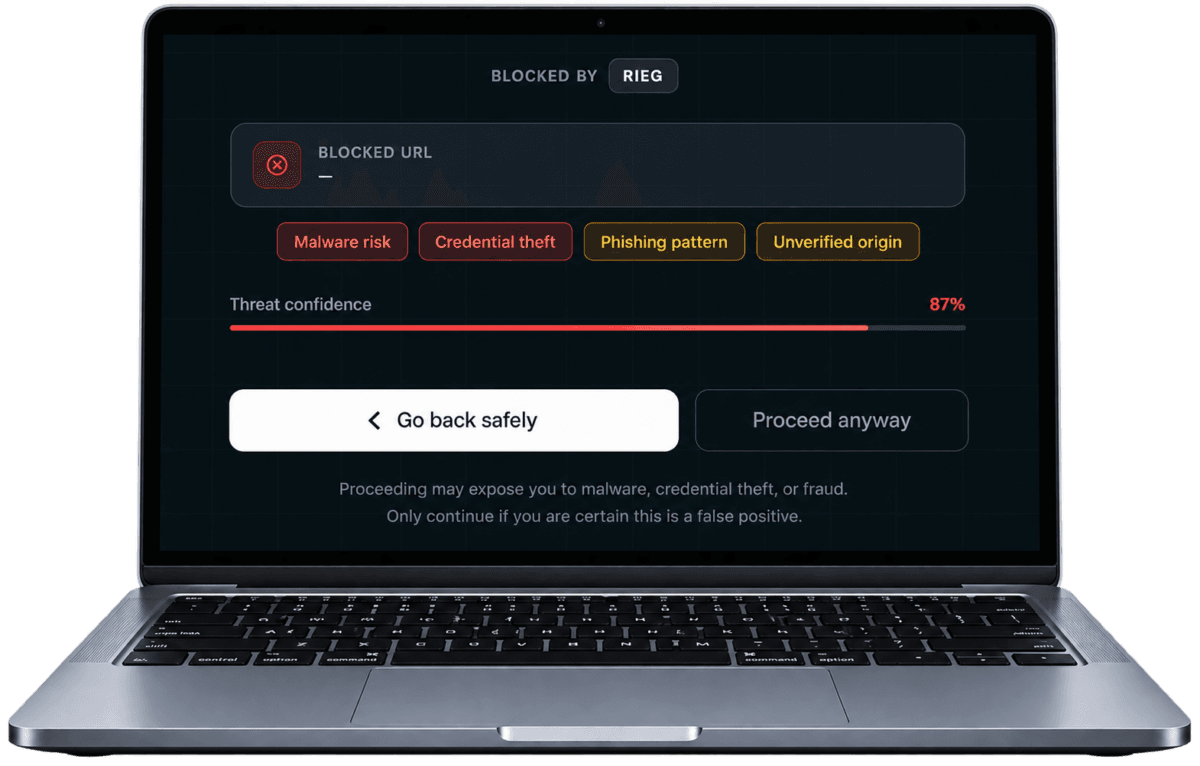
Org Visibility
Admins track trends via dashboard, scan history, and reports to improve security posture.
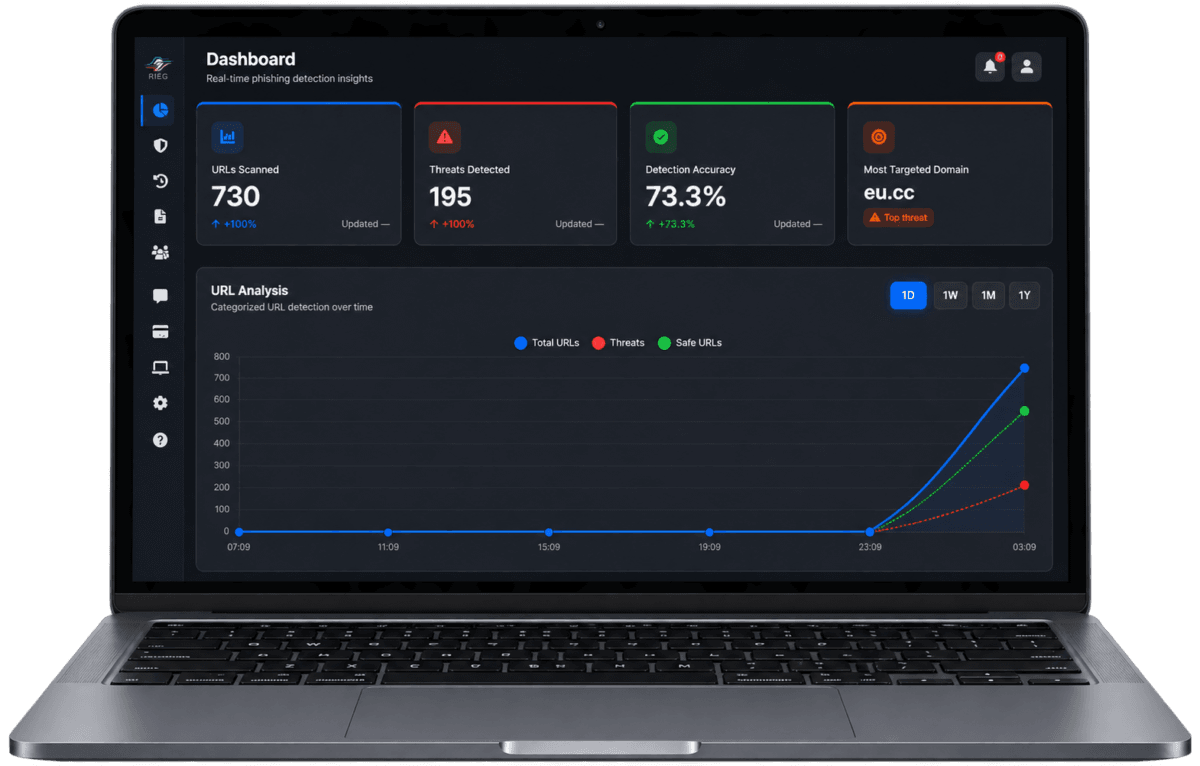
Detection Engine
Our engine analyzes the URL, destination behavior, and attack patterns in milliseconds.
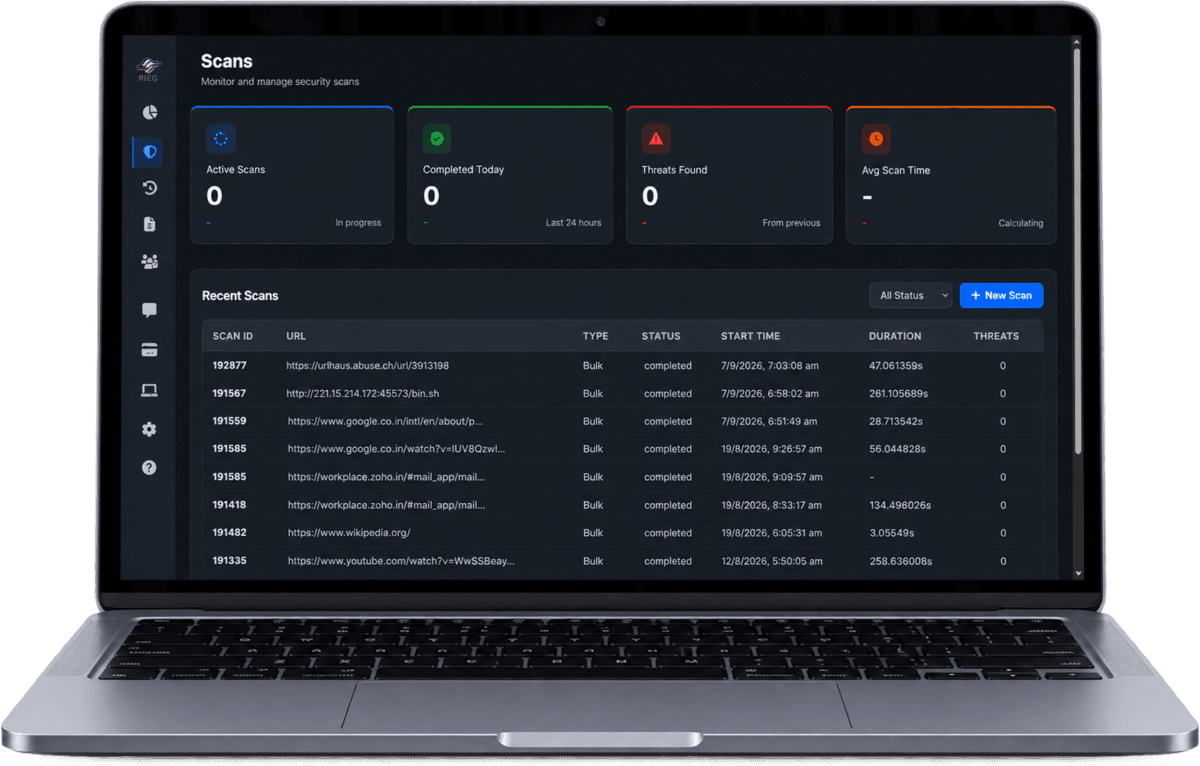
One Platform, Every Channel
RIEG meets your users where they work — web, desktop, mobile, and browser — with a consistent protection layer across all four.
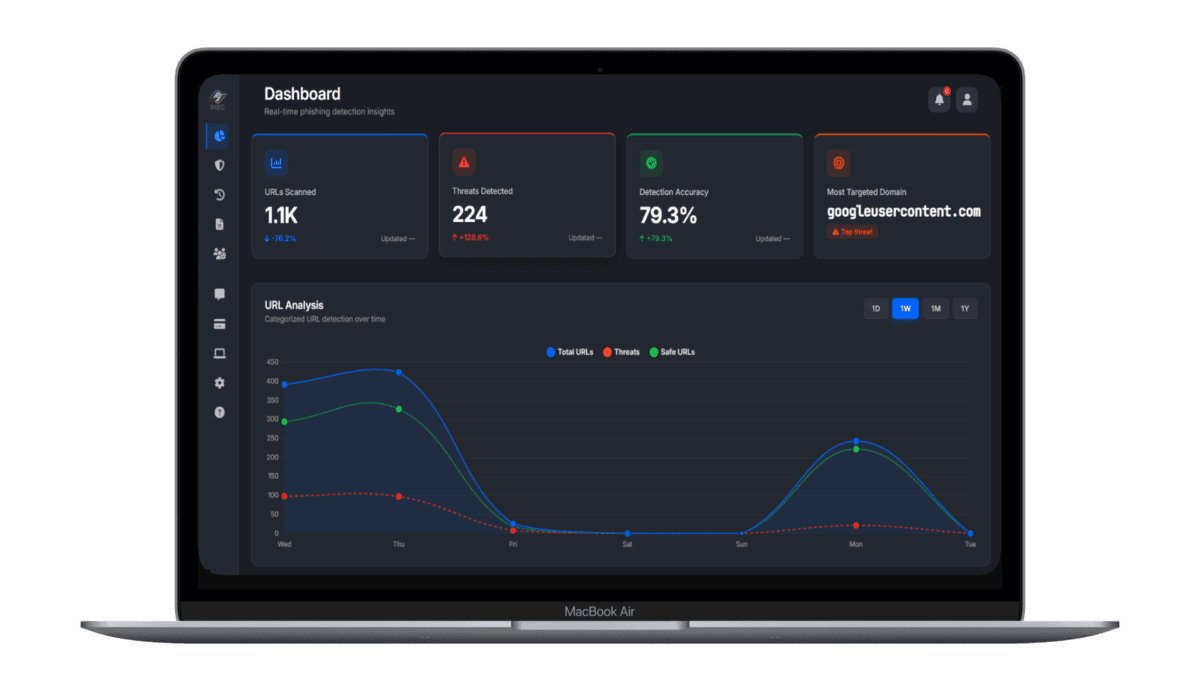
Management & Analytics Hub
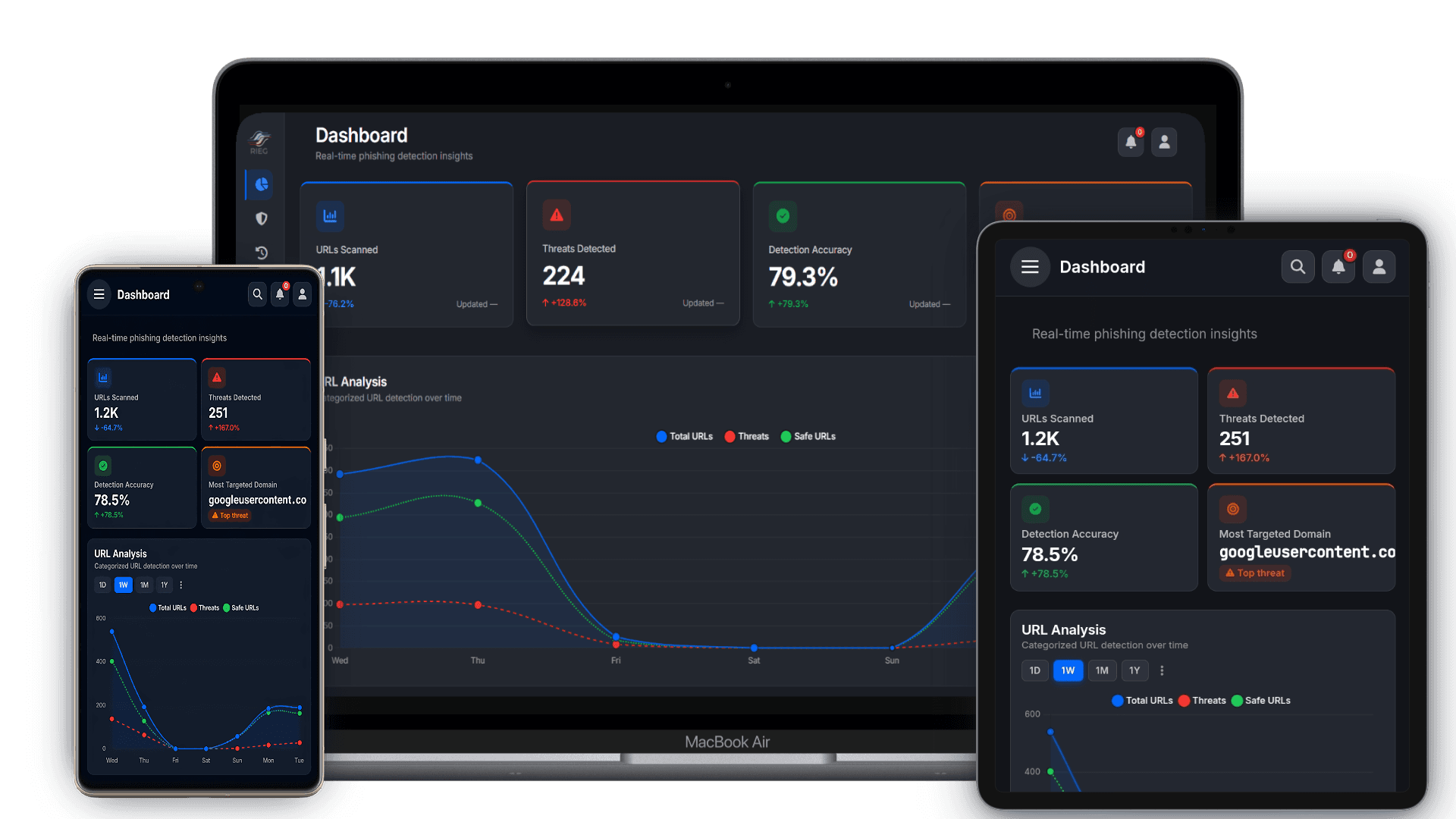
The web app is your command center — dashboards, scan history, user management, and reports all in one place. Designed for leadership, admins, and business users who need complete visibility without complexity.
- Real-time threat dashboard with scan trends and risk scores
- Role-based access: System Admin, Company Admin, End Users
- Link scan history, false-positive reporting, and feedback tickets
- Exportable reports and organization-wide oversight tools
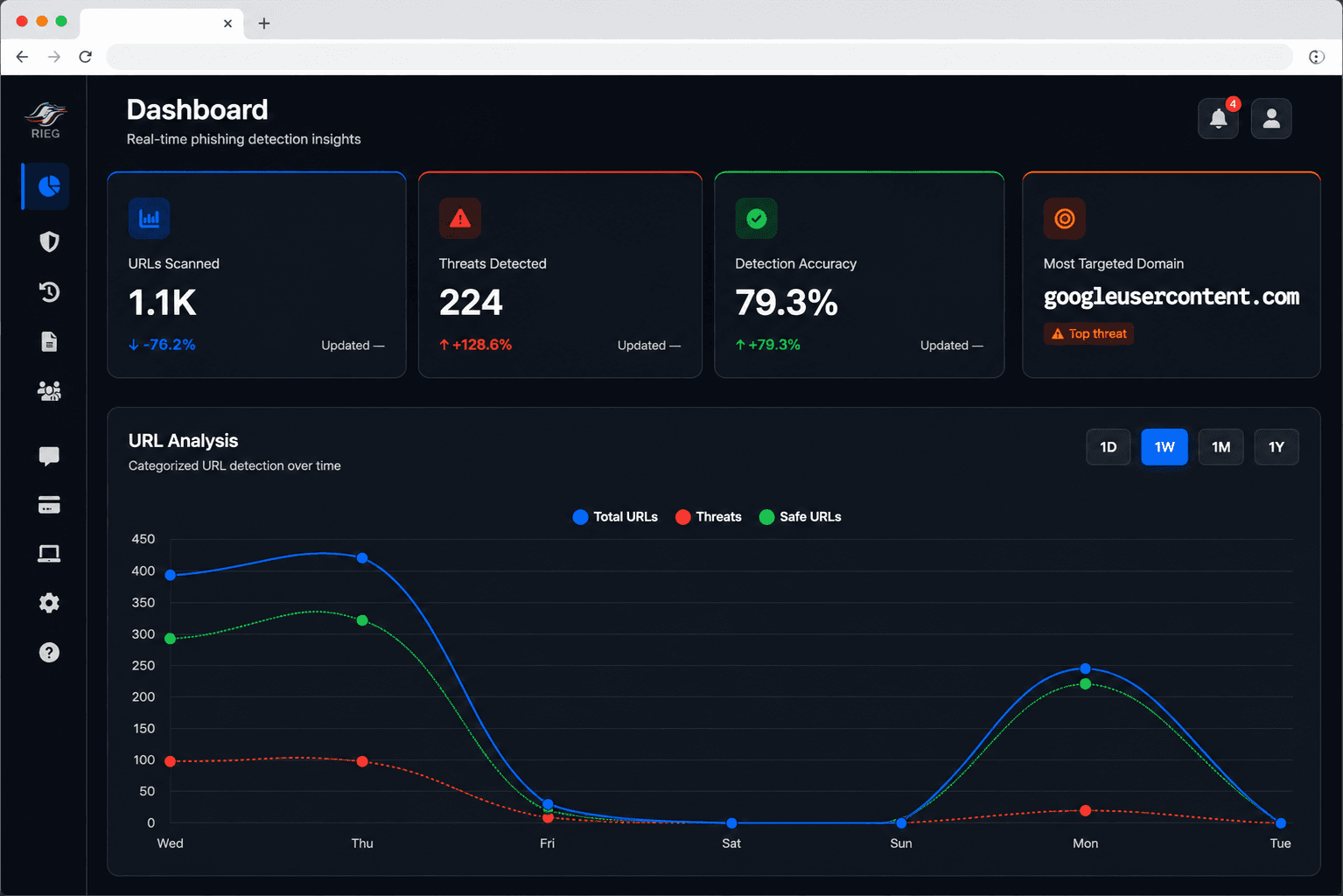
Windows Protection
The Windows app brings anti-phishing protection directly into corporate desktop workflows. Designed for enterprise deployment on managed endpoints — fast, lightweight, and policy-driven.
- Instant link-scan popup within any Windows desktop workflow
- Silent enterprise deployment via MDM and Group Policy
- System-tray alerts with verdict details and one-click reporting
- Offline-capable with sync to web dashboard on reconnect
Real-Time Browser Guard
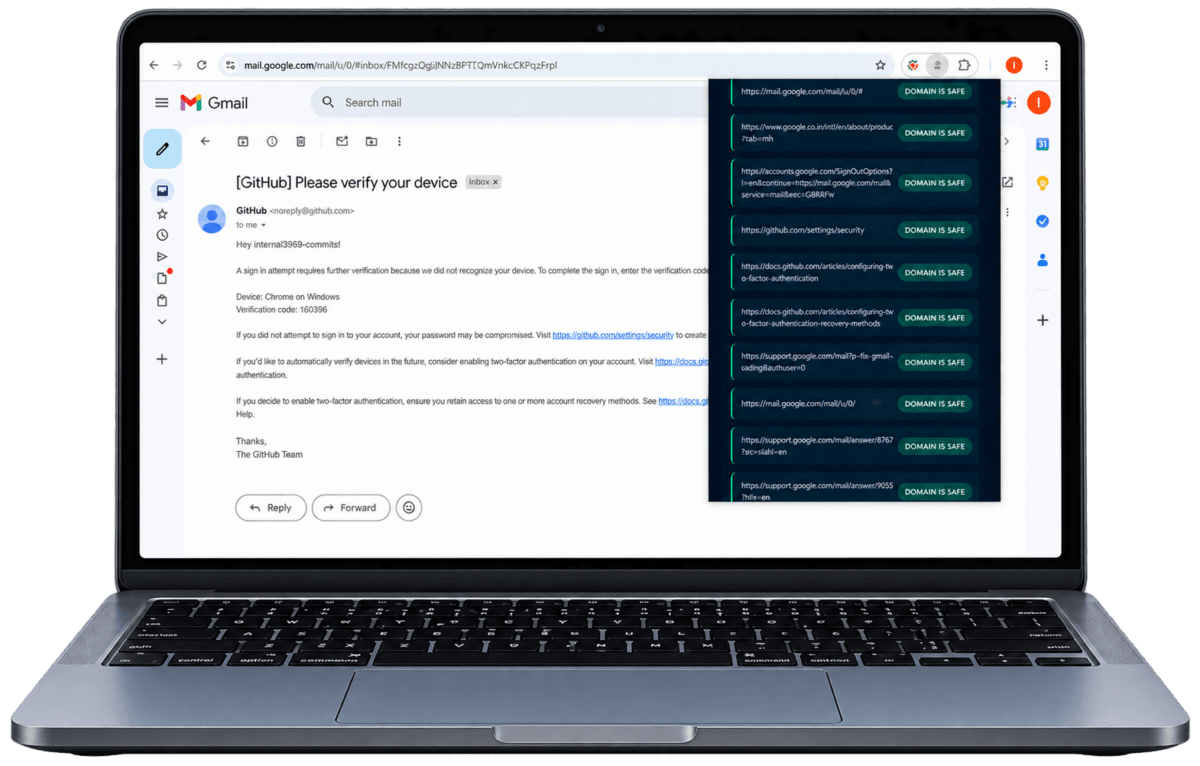
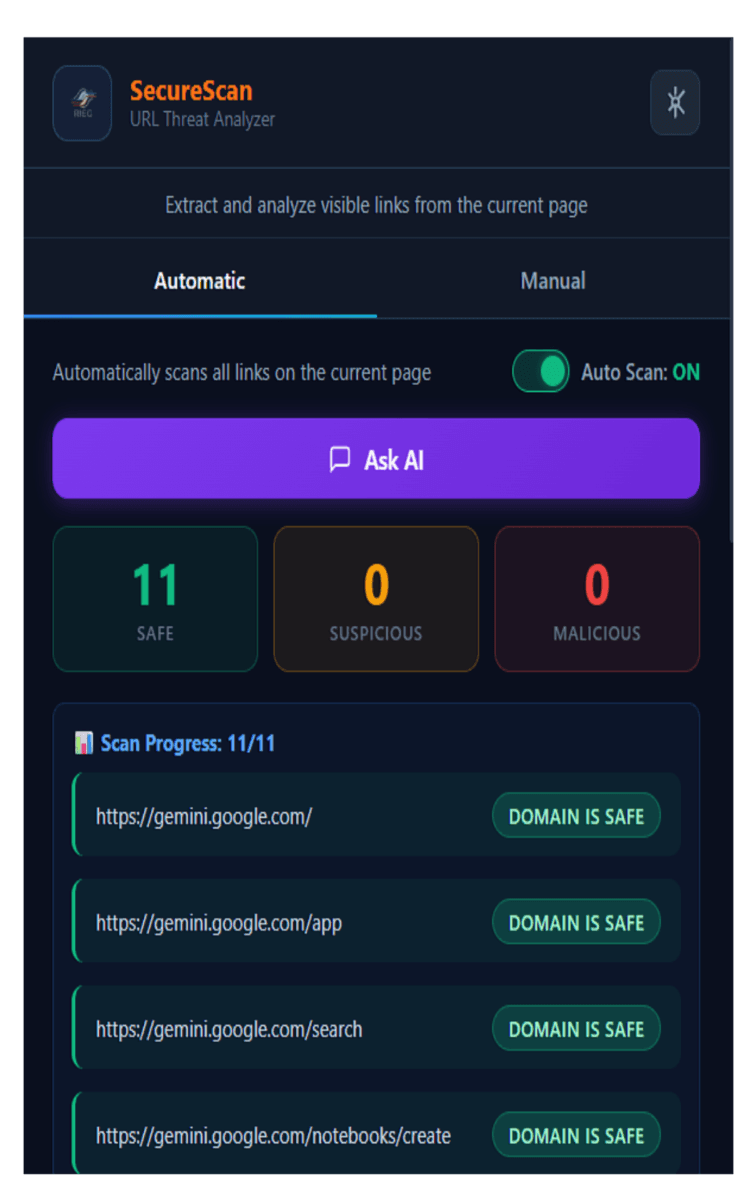
The browser extension adds an invisible safety net to every page the user visits — real-time inline warnings before they interact with risky links, with minimal friction to normal browsing.
- Inline warning overlays before users click suspicious links
- Full-page blocking for confirmed phishing destinations
- Works inside webmail, Slack web, Teams — wherever links appear
- Compatible with Chrome, Edge, and Firefox
The Right Access for Every Role
Each person sees only what they need — giving organizations accountability without overload.
Company Admin
Company-Level Management
Manage employees, security policies, threat visibility, and organizational risk posture across the company environment.
- User and team management
- Company-wide threat dashboard
- Security policy configuration
- Audit and compliance reporting
Business Users
Day-to-Day Protection
Enable employees to verify suspicious links, report phishing attempts, and stay protected against emerging cyber threats.
- Instant URL scanning
- Phishing reporting
- Scan history and alerts
- Threat awareness recommendations
Consumers
Personal Cyber Protection
Protect individuals from phishing, malicious websites, scams, and fraudulent links with real-time threat intelligence.
- Personal link scanning
- Scam and phishing detection
- Safe browsing protection
- Personal security insights
Why Organizations Choose RIEG
Built for real-world phishing behavior — not just blocklists.
Reduced Phishing Risk
Real-time link interception across every channel your users work in — fewer clicks on malicious links, fewer incidents to respond to.
Faster Decisions
Clear Safe / Suspicious / Dangerous verdicts mean users act with confidence — no security expertise required.
Org-Wide Visibility
Trend dashboards and reports let leadership track threat patterns and improve security posture over time.
Trust & Accountability
Role-based workflows mean feedback reaches the right people — support teams and decision makers act fast.
Protect Your Team From Every Phishing Vector
Start a free trial of RIEG today. No credit card required. Full platform access across web, browser, mobile, and desktop.