
Blogs
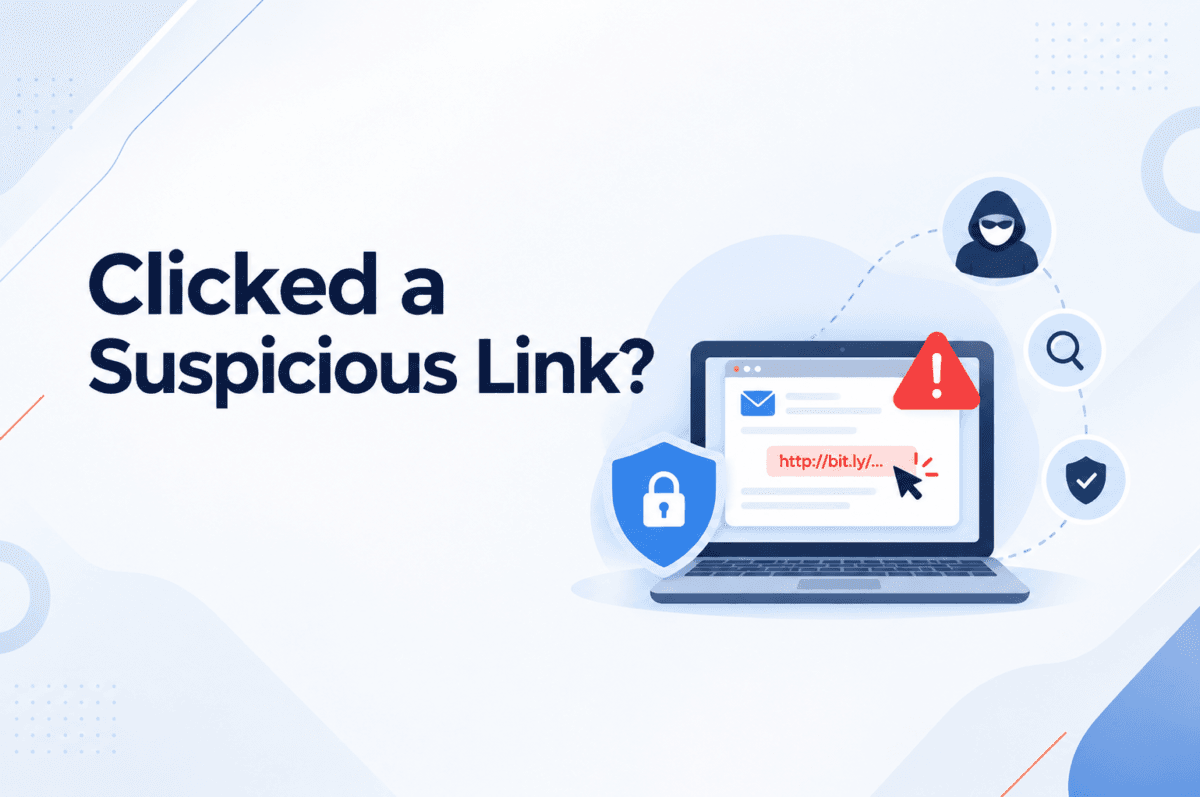
Clicked a Suspicious Link? Here’s What to Do Next It can happen to anyone. You receive an email that looks like it came from your bank, a familiar service provider, or even a colleague. You click the link, and only then notice something unusual about the page. What should you do next? A suspicious link does not always mean your device has been compromised. However, it could lead to a phishing page, expose your login credentials, or trigger a malicious download. In a business environment, the impact can extend beyond one user to corporate email, cloud applications, and sensitive company data. The important thing is to act quickly rather than assume everything is fine. 4 Steps to Take After Clicking a Suspicious Link 1. Stop and assess the situation Do not interact further with the page or enter any additional information. If a file was downloaded, avoid opening it. If you suspect that your work device has been compromised, contact your IT or security team. They may ask you to disconnect the device from the network to limit potential malicious activity. Follow your organization’s incident-response procedure rather than attempting to investigate or clean up the device yourself. 2. Secure your account If you entered your password on a suspicious website, change it using a separate, trusted device and the service’s legitimate website. If you reused the same password elsewhere, update those accounts as well. Also, pay attention to unexpected login alerts or MFA requests. If you approved a login you did not initiate, report it immediately. 3. Look for signs of compromise Unexpected downloads, unfamiliar login activity, unusual browser behavior, or changes to account settings can indicate a problem. However, not every attack produces visible symptoms. A phishing page may simply collect your credentials and leave the browser looking completely normal. That is why reporting the incident is important, even when nothing unusual appears to have happened. 4. Report it without delay Share the original email or message, the suspicious URL, the approximate time you clicked it, and any information you entered with your IT or security team. This information helps analysts investigate the link, review relevant security logs, and determine whether other users may have received the same message. Reporting […]
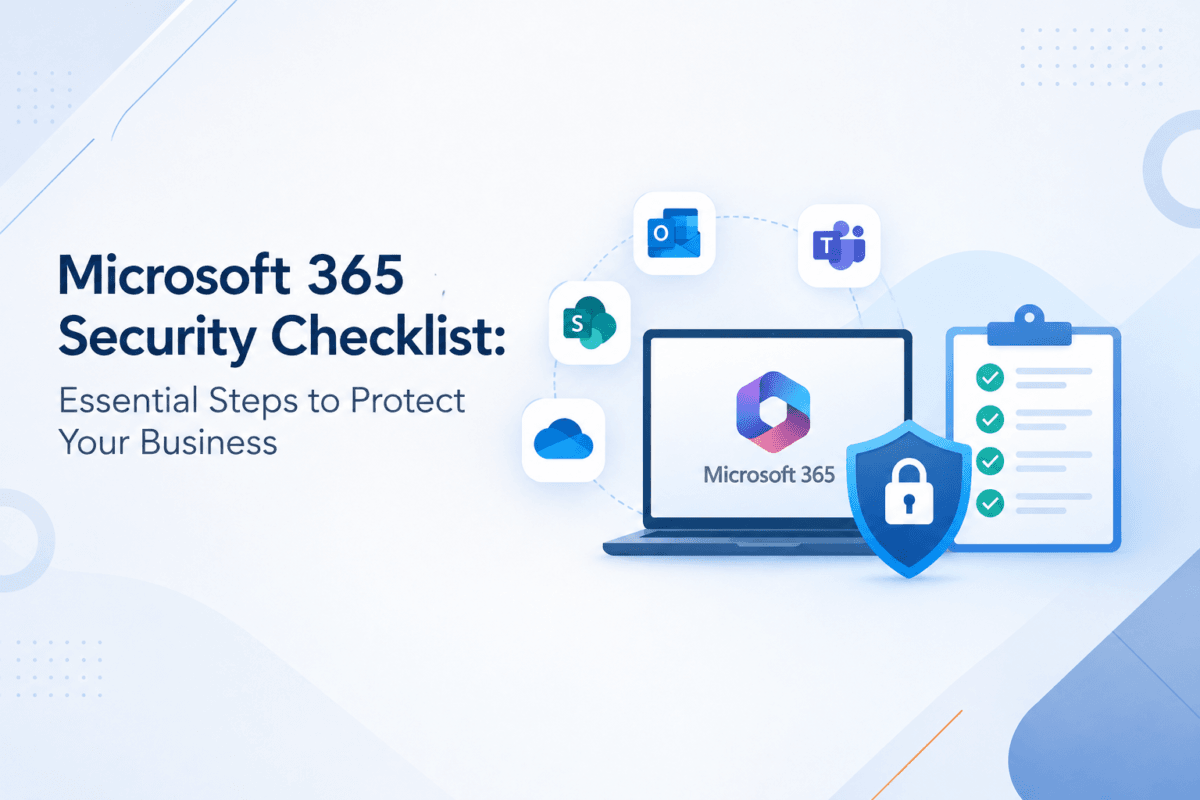
Microsoft 365 Security Checklist: Essential Steps to Protect Your Business Microsoft 365 has become a core platform for business communication, […]
Why Security Teams Miss Critical Alerts Even When They Have the Right Tools Modern cloud environments rarely operate in isolation. An organization may connect its Microsoft 365 tenant to security platforms, Salesforce to analytics tools, GitHub to CI/CD pipelines, AWS to monitoring platforms, and cloud applications to dozens of third-party SaaS services. These integrations are useful because they allow systems to exchange data and perform actions automatically. But the same trust relationship can become an attack path. How the Trust Relationship Works A typical integration looks simple: User → OAuth authorization → Third-party application → API → Cloud resources During authorization, an application may receive an access token with specific permissions, such as: •Read cloud files •Access email •Read user profiles •Modify resources •Access APIs •Manage repositories The application doesn’t necessarily need the user’s password. Instead, the cloud platform trusts the token and its assigned permissions. This creates an important security problem: If the trusted application is compromised, its permissions can potentially be abused without compromising the user’s password. The Attack Path Consider an employee authorizing a legitimate-looking application. The application requests access through OAuth. The user approves it. The identity provider issues an access token. From the cloud platform’s perspective, the request can look legitimate: User ↓ OAuth Consent ↓ Access Token ↓ Trusted Application ↓ Cloud API ↓ Sensitive Data An attacker who obtains control of that application, token, or authorization flow may be able to operate through the same trusted relationship. The activity can therefore resemble normal API traffic rather than a traditional intrusion. Why Traditional […]
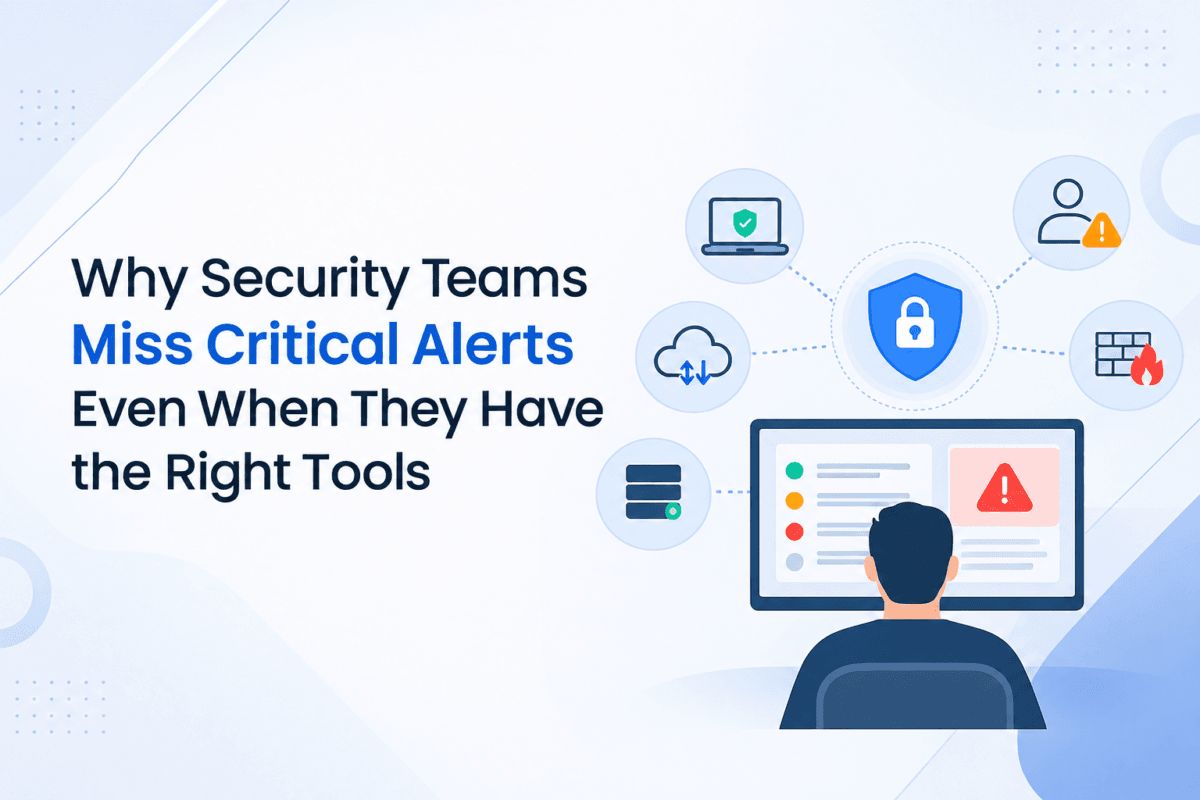
Why Security Teams Miss Critical Alerts Even When They Have the Right Tools Modern organizations can have endpoint protection, cloud security platforms, identity controls, firewalls, SIEM systems and multiple threat detection tools operating at the same time. Yet having more security tools does not automatically mean that every important security event will be detected and investigated. The challenge often begins when thousands of alerts are generated across different environments, while the security team has to determine which events represent a genuine threat. A suspicious login may appear harmless on its own. An unusual PowerShell execution may look like another endpoint event. A new administrator account may not immediately appear dangerous. But when these events are connected, they can reveal a much larger attack pattern. This is where SOC monitoring services become important—not simply for collecting alerts, but for continuously identifying, correlating and investigating signals that could indicate an active security incident. The Real Problem Is Not Always […]
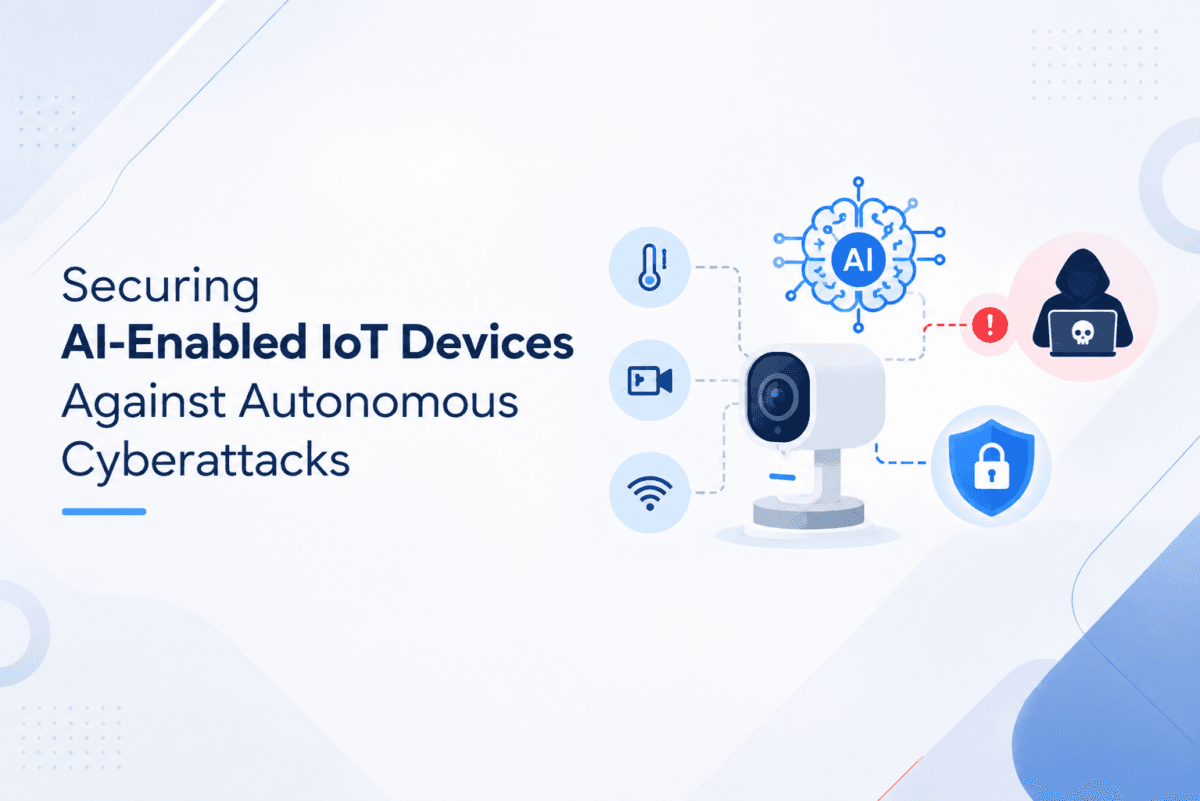
Securing AI-Enabled IoT Devices Against Autonomous Cyberattacks Smart devices are getting smarter. A basic IoT sensor used to just collect […]
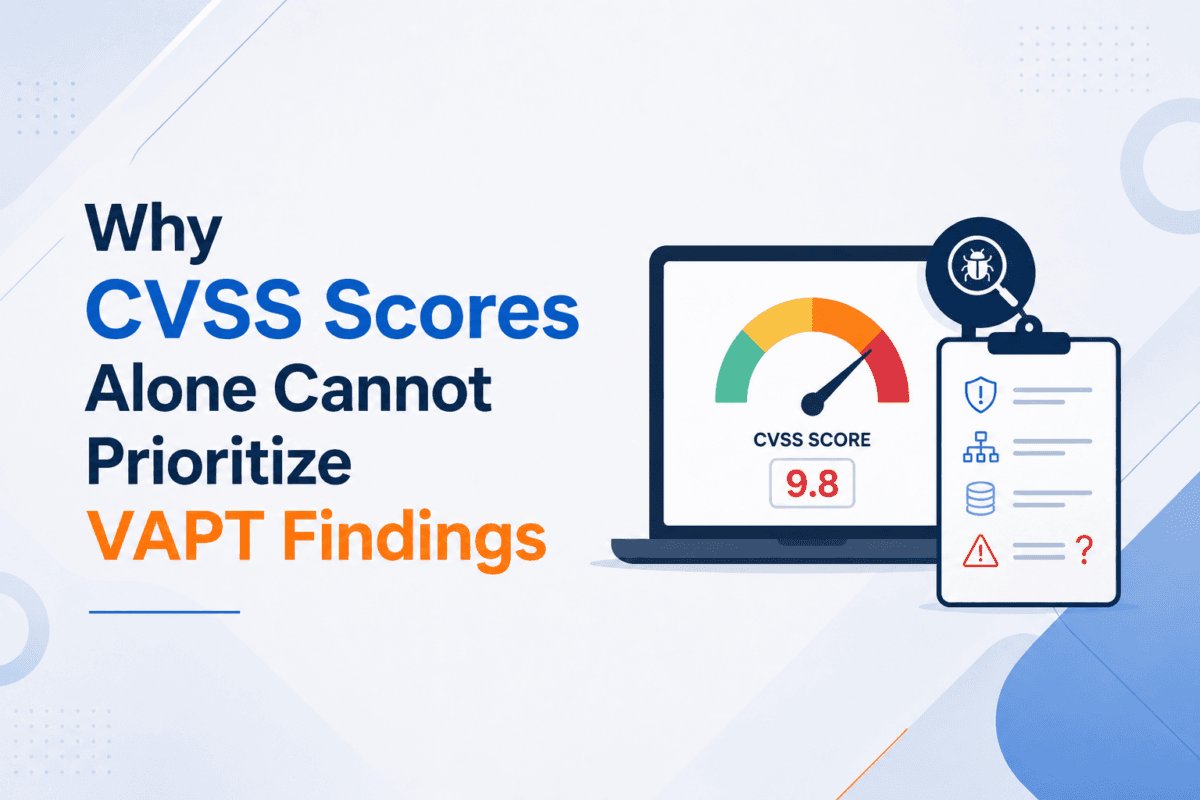
Why CVSS Scores Alone Cannot Prioritize VAPT Findings A VAPT assessment can produce dozens of vulnerabilities, each with a different […]
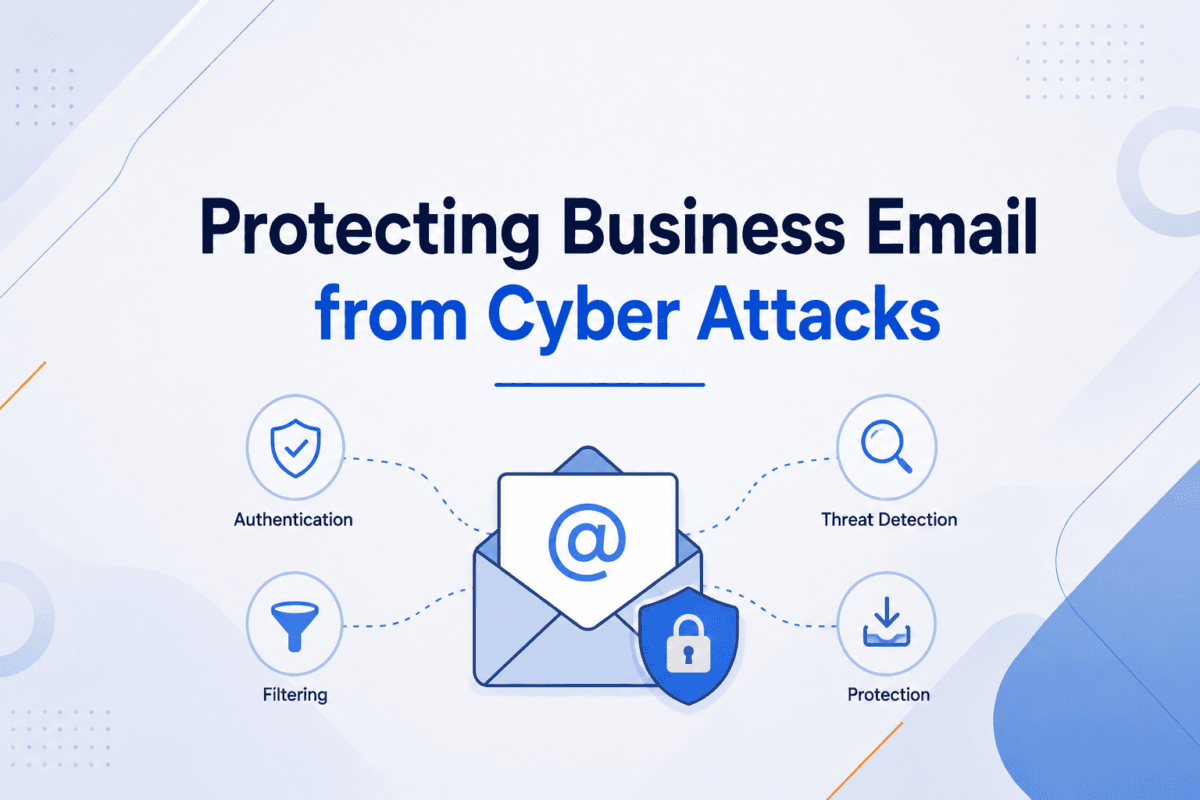
Protecting Business Email from Cyber Attacks A stolen email password can be the starting point for a much larger security […]
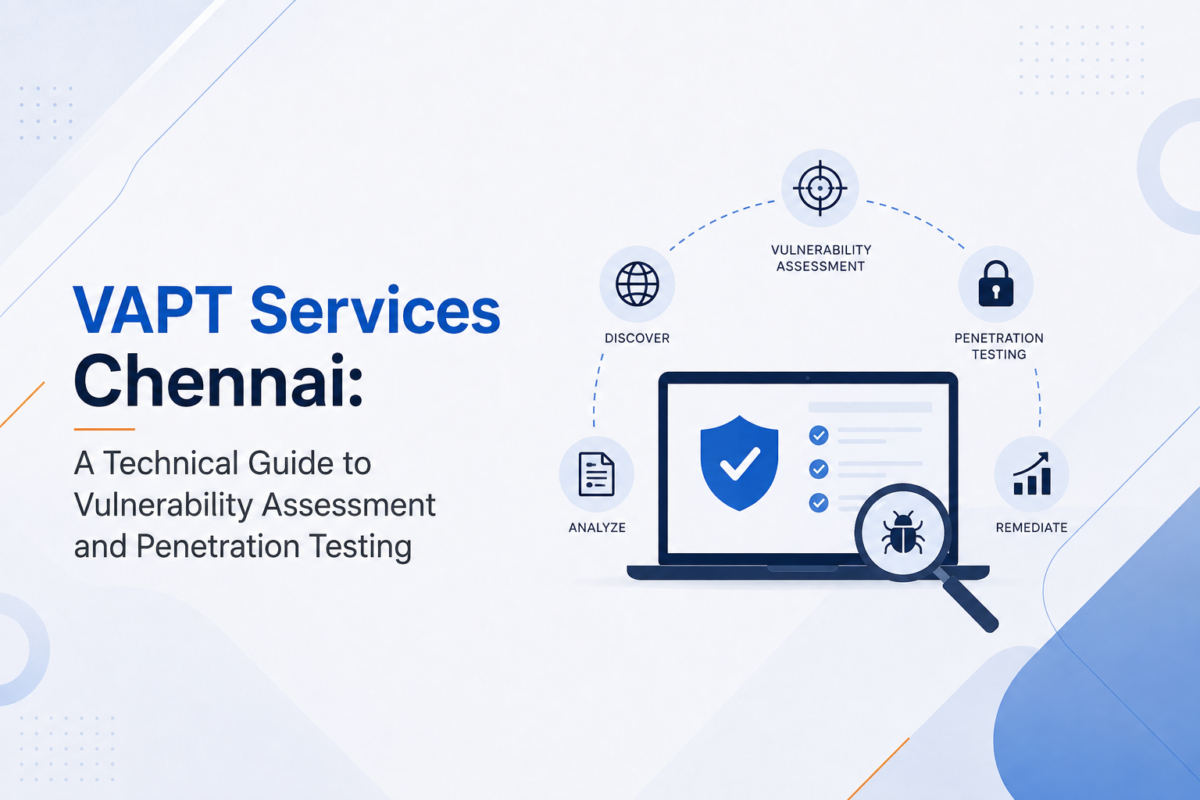
VAPT Services Chennai: A Technical Guide to Vulnerability Assessment and Penetration Testing A security vulnerability does not automatically mean an […]
The Login That Looked Normal: Investigating a Manufacturing Company Compromise Start with the incident in a few paragraphs, not a list of events. At 10:03 AM, an employee received what appeared to be a routine business email. Nothing immediately suggested that the message would lead to a security incident. Four minutes later, Microsoft 365 recorded a successful login from an unusual location. By 10:11 AM, a new inbox rule had been created. Seven minutes later, 47 emails had been forwarded to an external address. The obvious question was: how did a single email turn into a Microsoft 365 account compromise in just 15 minutes? The answer was hidden in the four minutes between the email arriving and the suspicious login. Then continue like a normal article. 1. The Attack Started With an Ordinary Email Describe the phishing email naturally. Explain: •What the email appeared to be •Why it looked legitimate •What the link did •Why the employee interacted with it Then introduce the first technical clue. […]
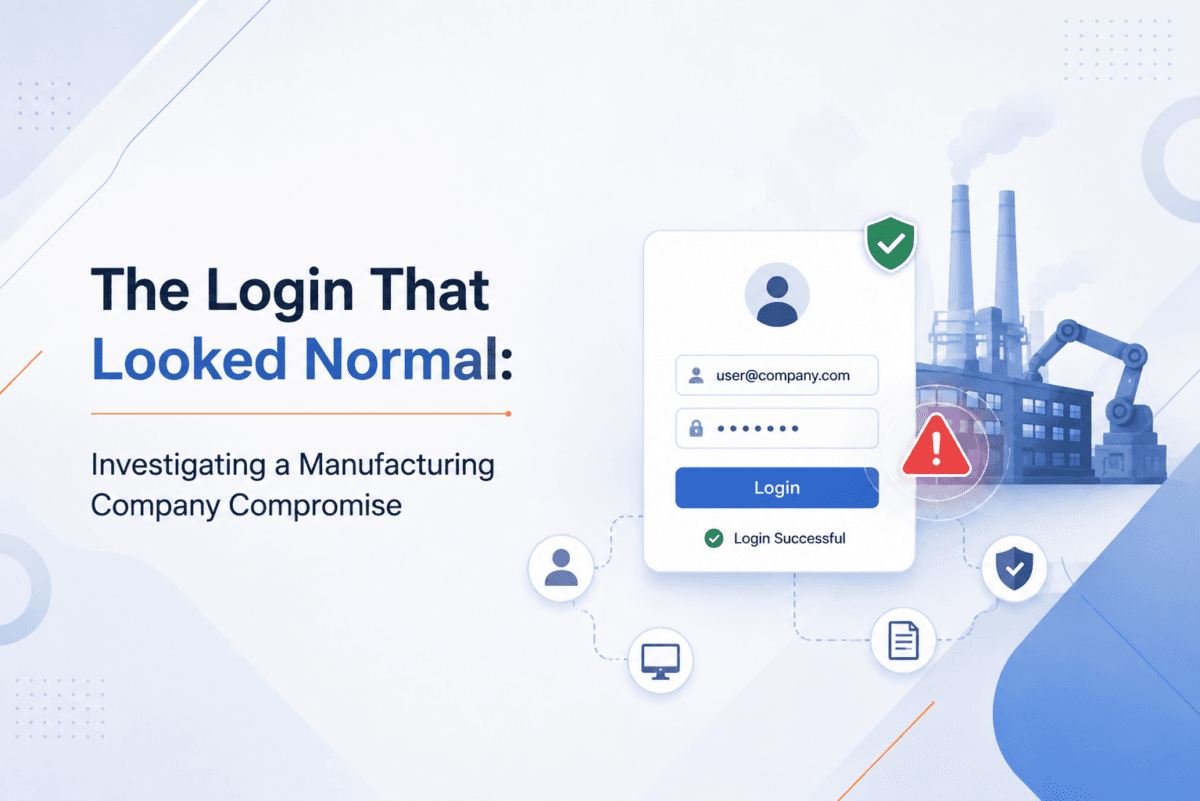
The Login That Looked Normal: Investigating a Manufacturing Company Compromise Incident Type: Suspected Endpoint Compromise Environment: Windows enterprise network Industry: […]